How to Automatically Call Google LSA Leads in Under 60 Seconds
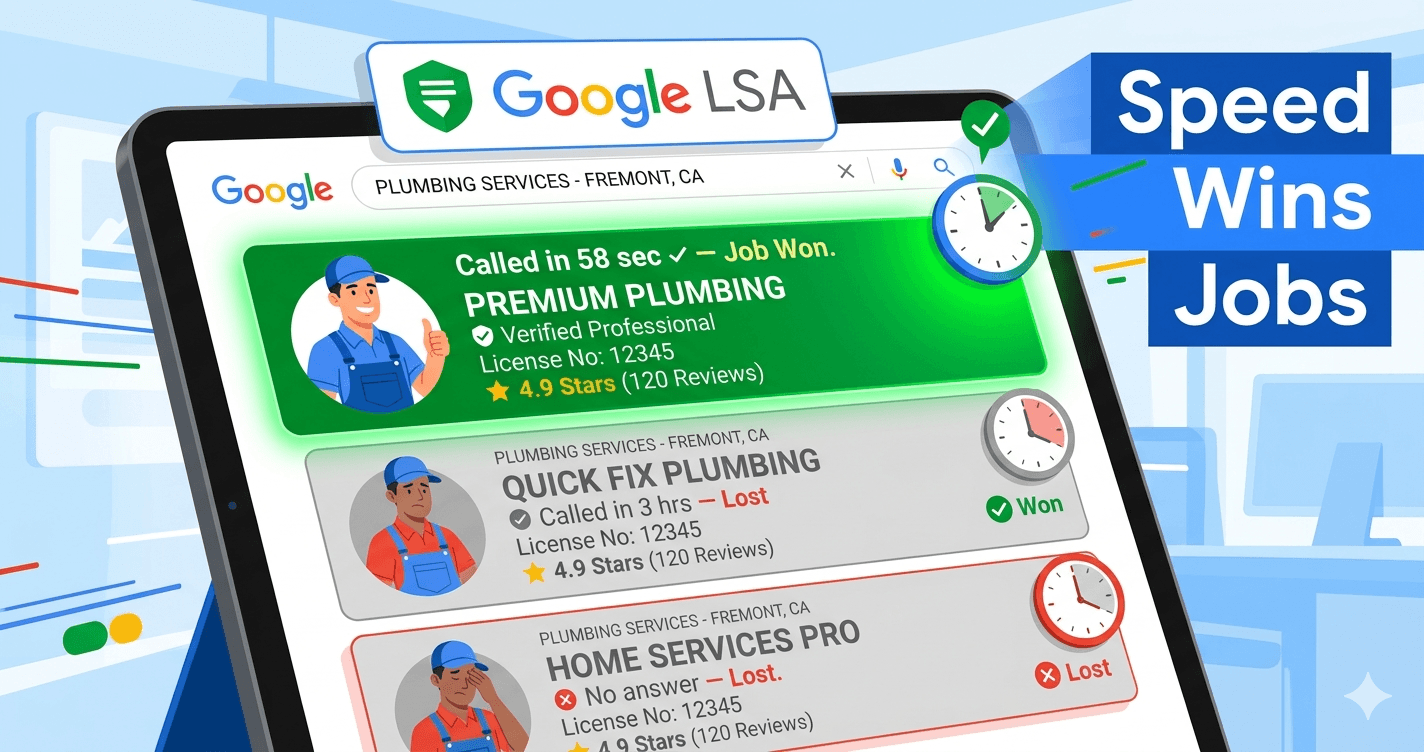
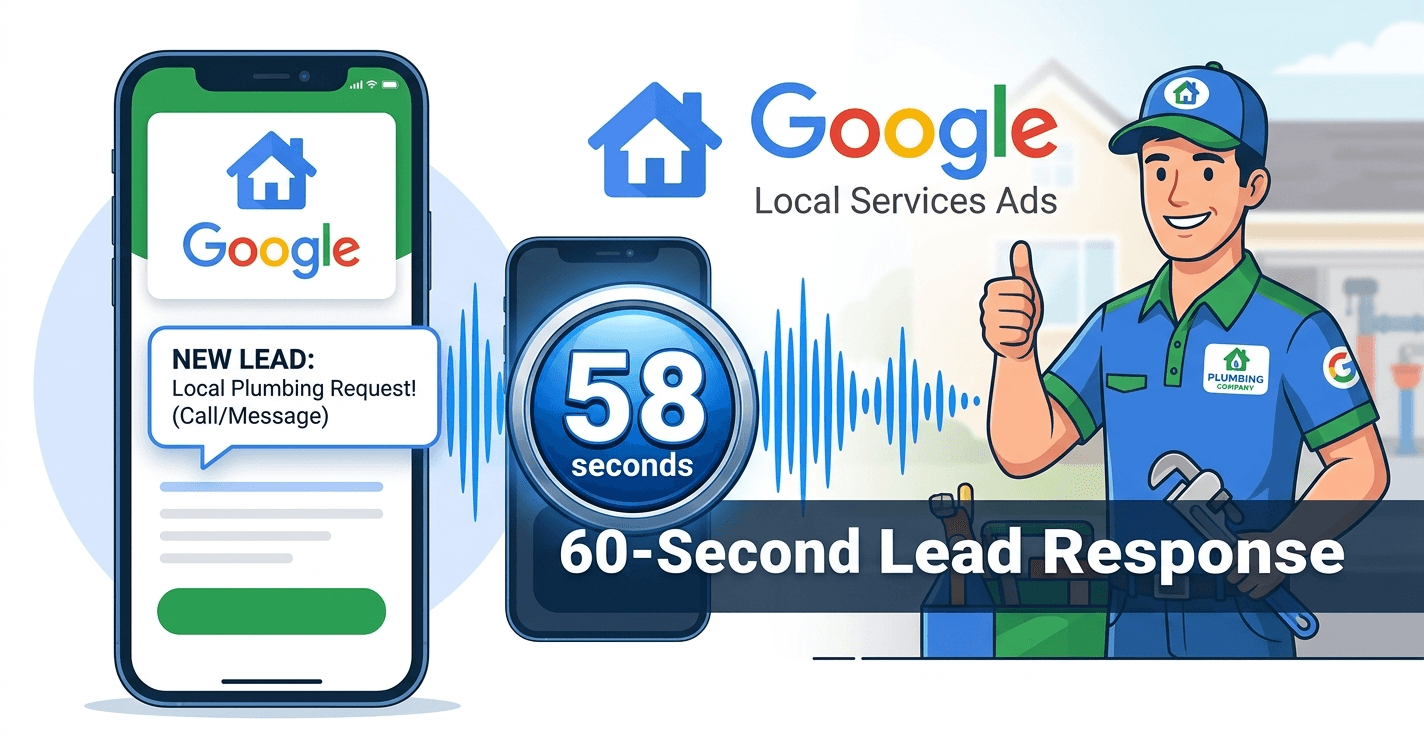
HulloDesk automatically calls new Google LSA leads within 60 seconds using AI. When a lead arrives, the system triggers an AI agent that calls, qualifies, and books the appointment — before competitors respond. Contractors using 60-second response see 2–3× higher conversion rates than those responding in 30 minutes.
TL;DR: Google LSA leads go to 3–5 contractors simultaneously. The first to call back within 60 seconds wins the job — HulloDesk does this automatically, 24/7, with TCPA compliance built in.
Google Local Services Ads are among the highest-intent leads a contractor can buy. A homeowner searching "emergency plumber near me" and submitting a Google Guaranteed lead is not browsing — they need someone right now. The problem is that so do the other three contractors that lead just went to.
Speed-to-lead is the single most important factor in converting LSA leads. A Harvard Business Review study found that companies contacting leads within one hour were 7× more likely to qualify them than those waiting two or more hours. In home services, where a homeowner with a burst pipe is calling every contractor in the results simultaneously, the gap is even wider — the first person to connect wins, regardless of price.
Most contractors never make that call within 60 seconds. They're on a job. They see the notification 20 minutes later. They call back and the homeowner already booked with someone else. That's $150–$500 in LSA spend gone.
How the 60-Second Call Works
HulloDesk integrates with your Google LSA account via the Google Ads API. Every 60 seconds, it polls for new leads. The moment a new lead appears, the system triggers an outbound call from your AI agent — using your business number, your agent's voice, your business name.
The call flow:
- Instant trigger. New LSA lead detected → call placed within 60 seconds, 24/7.
- AI agent introduces itself. "Hi, this is Alex calling on behalf of [Your Business Name]. I see you just submitted a request for [service type] — am I catching you at a good time?"
- Qualifies the job. The agent asks about the issue, urgency, and location. All details are logged.
- Books the appointment. If the homeowner is ready, the agent checks your calendar and books directly. The customer gets an SMS confirmation.
- Escalates if needed. For complex jobs or requests outside the agent's scope, it escalates to you with a full call summary.
Why Speed Matters More Than Price for LSA
Google Guaranteed leads are expensive precisely because they're high intent. When a homeowner submits a Google LSA lead, they've already filtered by location, license, and reviews. They're not comparing prices — they're comparing who answers first.
Industry data consistently shows that response time within the first five minutes correlates with 2–3× higher conversion rates vs. callbacks made later. Beyond 30 minutes, the lead's probability of converting drops by more than 50%. Beyond an hour, you're largely wasting a follow-up call.
The math is simple: if you're spending $1,500/month on Google LSA and converting 20% of leads, calling back in 60 seconds instead of 30 minutes could realistically push that to 40–50% — doubling your return without increasing ad spend.
TCPA Compliance Is Built In
One concern contractors raise about automated outbound calls is compliance. HulloDesk has TCPA calling windows enforced at the system level. Calls are only placed between 8 AM and 9 PM in the lead's timezone. Leads arriving outside those hours are queued and called the next morning at 8 AM. Your business is protected automatically — no manual scheduling required.
Additionally, HulloDesk checks every lead phone number against your DNC (Do Not Call) list before placing a call. If the number is on the list, the lead is flagged and no call is made.
How to Set It Up
- Go to HulloDesk Dashboard → Settings → Integrations
- Click "Connect Google LSA"
- Authorize HulloDesk to read your LSA data via Google OAuth
- Done — every future LSA lead will be called within 60 seconds automatically
What You'll See in the Dashboard
Every LSA lead is logged in your HulloDesk Leads dashboard with lead name, phone, service type, call status, time from lead creation to call, and full call recording and transcript — all without lifting a finger.
How to get started
Follow these clear steps to implement this strategy in your business today.
Connect your Google account
In HulloDesk Settings → Integrations, click "Connect Google LSA." Authorize HulloDesk to read your LSA lead data via Google OAuth — takes under 2 minutes.
Confirm your AI agent is configured
Your AI agent should already be set up with your business name, trade type, and personality. HulloDesk passes the lead's name and requested service to the agent automatically for each call.
Watch leads get called automatically
From this point, every new Google LSA lead triggers an AI call within 60 seconds. You'll see each lead and its call status in your HulloDesk dashboard under Leads.
Frequently Asked Questions
Q:How quickly does HulloDesk call a new Google LSA lead?
Q:Do I need to do anything when a new LSA lead comes in?
Q:What happens if HulloDesk calls a lead outside business hours?
Q:Does this work with my existing Google LSA account?
The AI Front Office Setup Checklist
Stop losing jobs to missed calls. Get the 4-step checklist we use to set up 24/7 AI receptionists for $1M+ trade businesses.
No spam · Instant PDF delivery · Unsubscribe anytime

Prajwal Kumar is the founder of HulloDesk and an expert in AI voice automation for the trades. He built HulloDesk after watching skilled contractors lose jobs to competitors who simply answered the phone faster. He writes about AI, lead conversion, and practical growth systems for HVAC, plumbing, electrical, and home service businesses.
View all insights by Prajwal